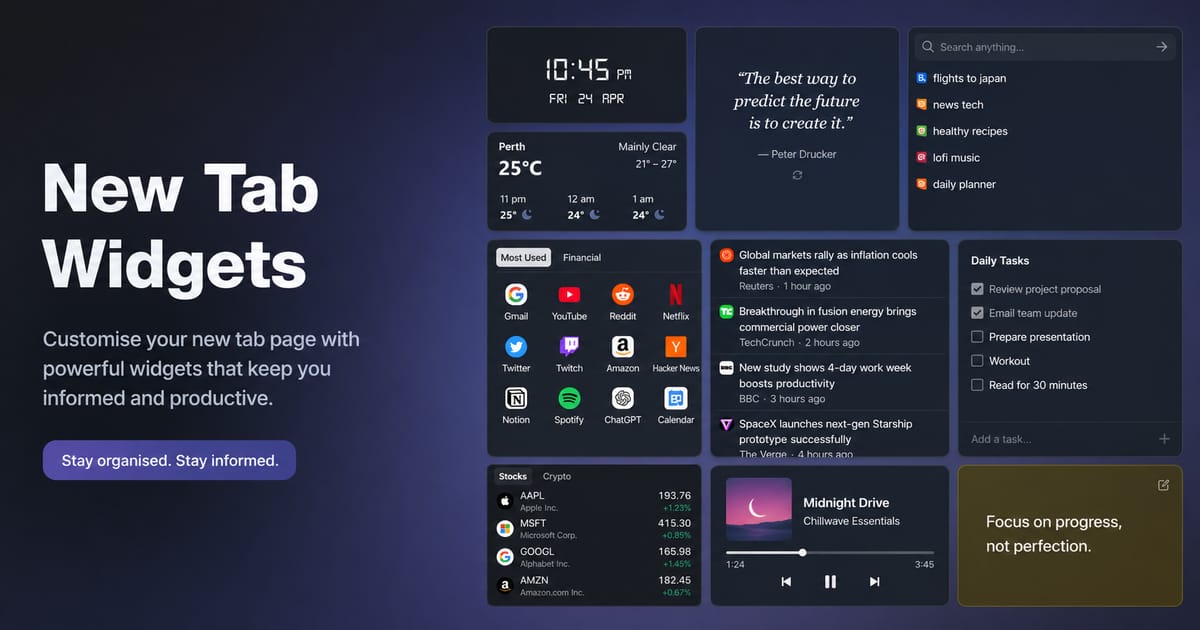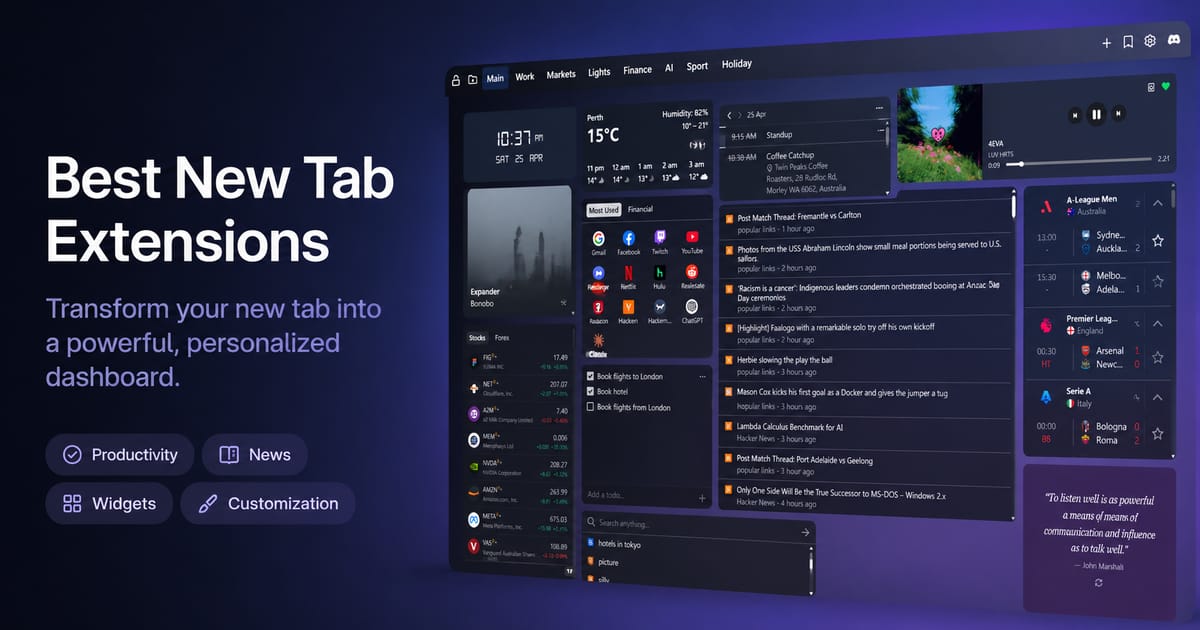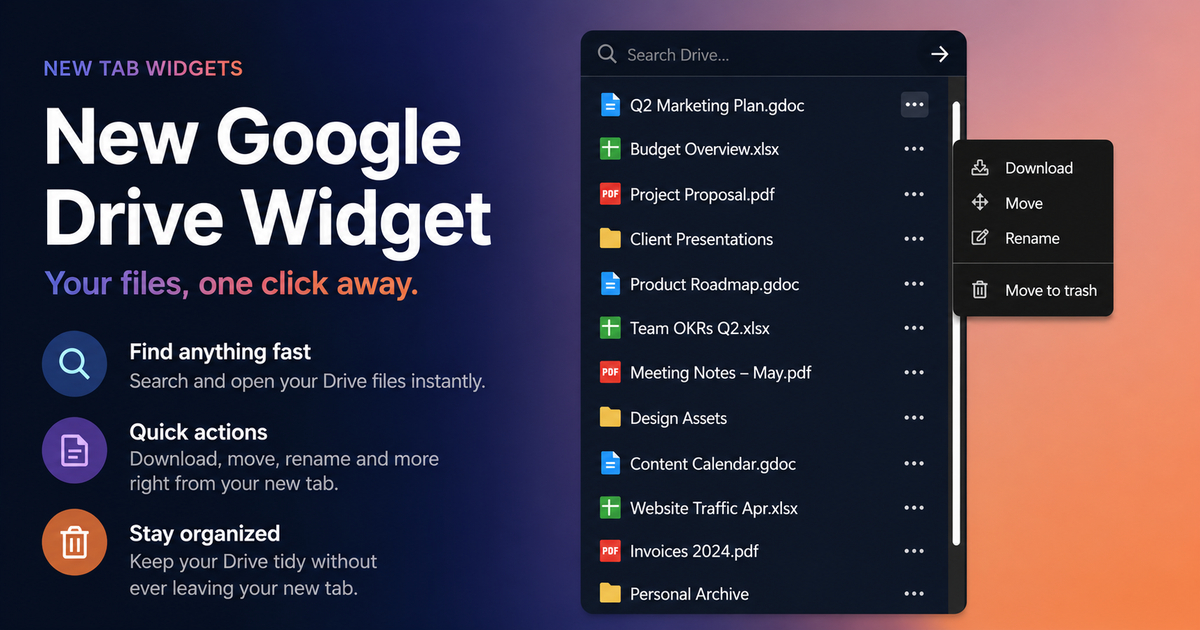
New Tab Widgets v1.12 adds a Quotes widget, Todo list, Sticky Note font and color controls, responsive Spotify layouts, IFrame custom CSS, Link Group grid modes, and smarter freeform layout placement.
Insights from New Tab Widgets
Tips, inspiration, and ideas to help you get more out of your dashboard.
New Tab Widgets v1.12 – Quotes, Todo & Sticky Note Colors New Tab Widgets v1.11 Release Notes – TradingView Widgets & Link Group New Tab Widgets v1.11 brings TradingView Market Data and Market Overview widgets, a major Link Group upgrade with tabs and drag-and-drop, and improved RSS feed error handling.
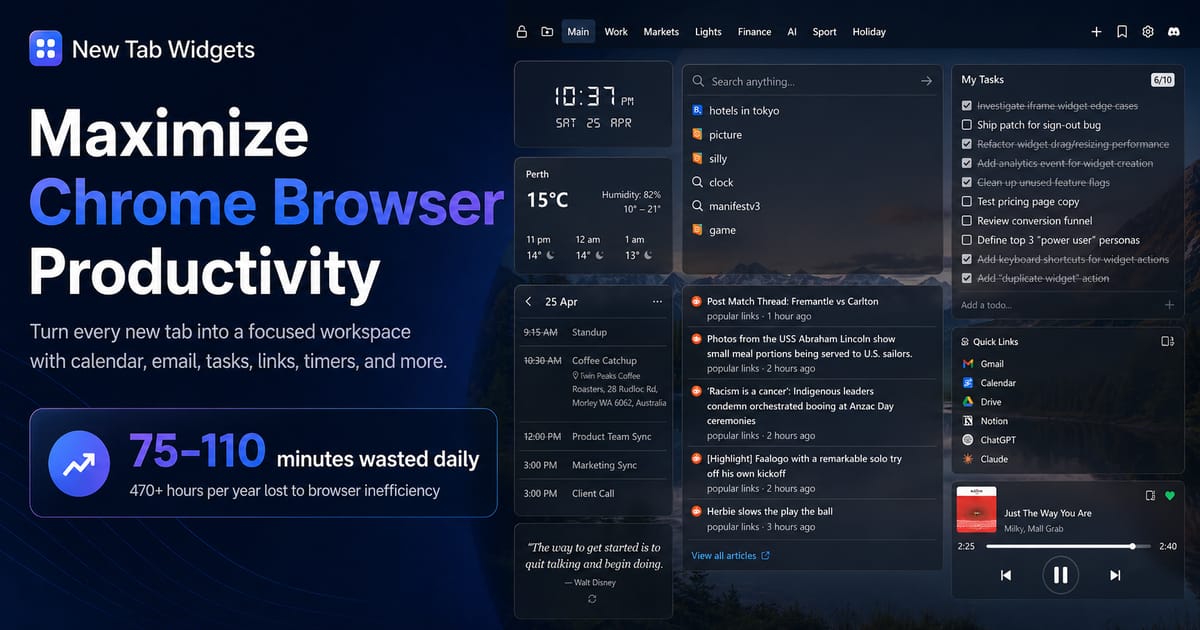
Maximize Chrome Productivity - New Tab Widgets Complete Guide 2026 Learn how to maximize Chrome browser productivity with new tab widgets. Complete guide to creating an efficient workspace with calendar, email, tasks, and more.
Best Chrome New Tab Widgets for Remote Workers - Productivity Guide 2026 Discover the best new tab widgets for remote workers. Turn your Chrome browser into a productivity hub with calendar, email, weather, and task management widgets.
How to Customize Your Browser New Tab Page - Complete Guide 2026 Learn how to customize your browser's new tab page to boost productivity and create a personalized dashboard. Step-by-step guide for Chrome, Edge, and other browsers.
New Tab Widgets v1.10 Release Notes – Image Widget, Discord & Custom CSS New Tab Widgets v1.10 introduces the Image widget with personal file uploads, a Discord embed widget, and the ability to apply custom CSS to any widget for complete visual control.
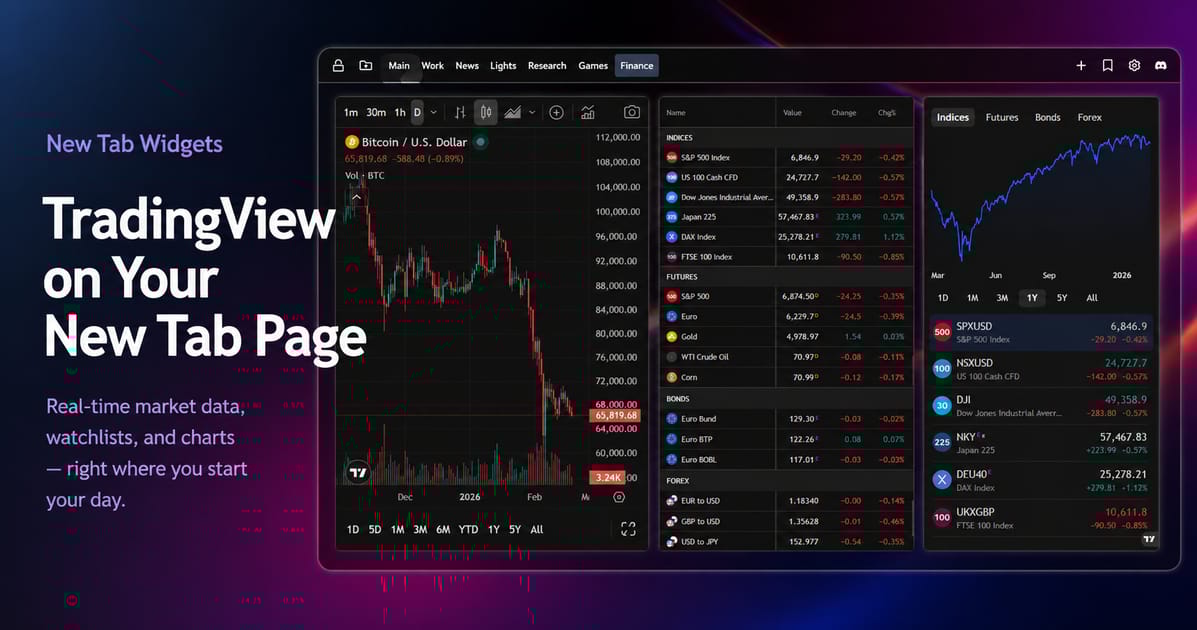
Add TradingView widgets to your New Tab Widgets start page Learn how to add the new dedicated TradingView widgets to your New Tab Widgets start page for quick access to market data and charts.
How to embed any website on your New Tab Page Learn how to use the iframe widget in New Tab Widgets to embed websites and apps like Grafana, Sentry, and more directly on your new tab page.
Best New Tab Extensions for Chrome in 2025 Looking for the best new tab extensions for Chrome in 2025? We’ve rounded up the top picks to personalize your start page with productivity tools, widgets, and smart dashboards.
New Tab Widgets v1.9 Release Notes – Timer, Calculator & Countdown Widgets New Tab Widgets v1.9 adds a Timer widget, a Basic Calculator, a date Countdown widget, a Pomodoro timer, and several new social and AI app integrations including WhatsApp, Google Gemini, and DeepSeek.
How to add RSS Feeds to Your New Tab Page Stay updated with the new RSS Feed widget for New Tab Widgets. Easily add your favorite blogs, news sites, and podcasts to your new tab page.
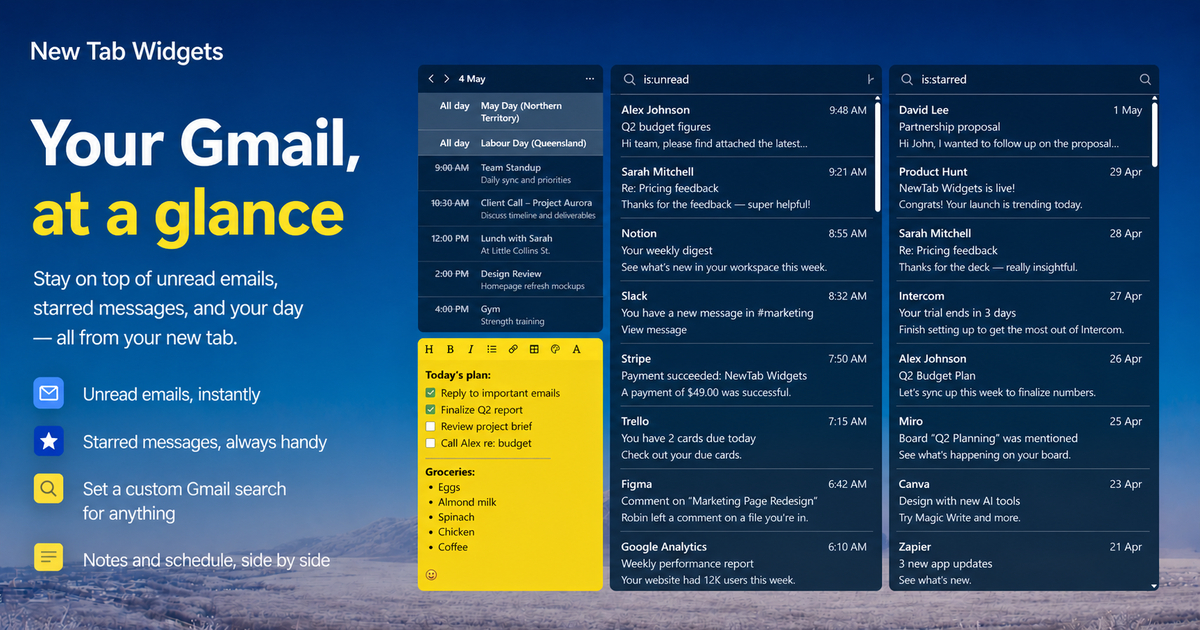
New Tab Widgets v1.8 Release Notes – RSS Feeds & Gmail Widget New Tab Widgets v1.8 brings two powerful new widgets: a fully-featured RSS Feed reader and a Gmail inbox widget. Stay on top of the news and your email without leaving your new tab.
New Tab Widgets vs Momentum: Which New Tab Extension is Right for You? Compare New Tab Widgets and Momentum: one’s a customizable dashboard, the other a calming focus tool. Find out which is best for your daily workflow.
New Tab Widgets v1.7 Release Notes – System Widgets & Spotify Overhaul New Tab Widgets v1.7 introduces CPU and Memory widgets for live system performance data, a completely reworked Spotify widget using your own client ID, and upgrades to React 19, Zustand 5, and tRPC 11.
New Tab Widgets v1.6 Release Notes – Hue API V2 & Wallhaven Wallpapers New Tab Widgets v1.6 adds Philips Hue API V2 widgets for modern Hue setups, switches the wallpaper search engine to Wallhaven for a broader selection, and improves gallery caching.
Chrome is Phasing Out Old Extensions – Here's What That Means for Your New Tab Google is phasing out older Chrome extensions. If your new tab tool hasn't been updated, it could stop working soon. Here's what to know and a better alternative.
How to Turn Your New Tab Page Into a Productivity Dashboard A simple guide to getting started with New Tab Widgets, a customizable new tab extension for Chrome that turns your new tab into a productivity dashboard.
New Tab Widgets v1.5 Release Notes – Steam Game Widget & Widget Discovery New Tab Widgets v1.5 launches the Steam Game widget for instant game launching, overhauls the Add Widget modal with fuzzy search, and improves the dashboard layout engine.
New Tab Widgets v1.4 Release Notes – Multi-Page Sync, Art Widget & Billing New Tab Widgets v1.4 merges widget and page state into a unified store for reliable multi-page sync, promotes the Google Art widget to production, and adds currency-aware billing for international users.
New Tab Widgets v1.3 Release Notes – Digital Clock & Custom Link Icons New Tab Widgets v1.3 introduces the Digital Clock widget with multiple font styles, custom icon support for Link Bookmark widgets, a reworked FuelWatch widget, and relative timezone support for World Clock.
New Tab Widgets v1.2 Release Notes – Search Widget & Link Group New Tab Widgets v1.2 launches the Search widget with multi-provider support and history, and the Link Group widget for organising collections of bookmarks — both now available in production.
New Tab Widgets v1.1 Release Notes – Google Maps, Iframe & Cloud Sync New Tab Widgets v1.1 adds a Google Maps embed widget, significantly improves the Iframe widget's website compatibility, and introduces notification-based cloud sync for Pro users.
New Tab Widgets v1.0 – Official Stable Release New Tab Widgets 1.0 is officially here. The stable release introduces Google Calendar integration, a Copy to Clipboard widget, multiple custom dashboard pages, free dark mode, and a polished widget collection.
New Tab Widgets v0.2 Beta Release – Multi-Page Dashboard & State Overhaul New Tab Widgets v0.2 beta introduces multi-page dashboard support with a fully reworked state management system, the World Clock widget, and a migration path from the original data format.
New Tab Widgets v0.1 – Initial Beta Release New Tab Widgets enters public beta with v0.1. The initial release brings a fully customisable new tab dashboard with Spotify controls, weather, FuelWatch, OzBargain, and a drag-and-drop widget layout.